
Now Reading: Reach more people like your current customers
1
-
01
Reach more people like your current customers

Reach more people like your current customers

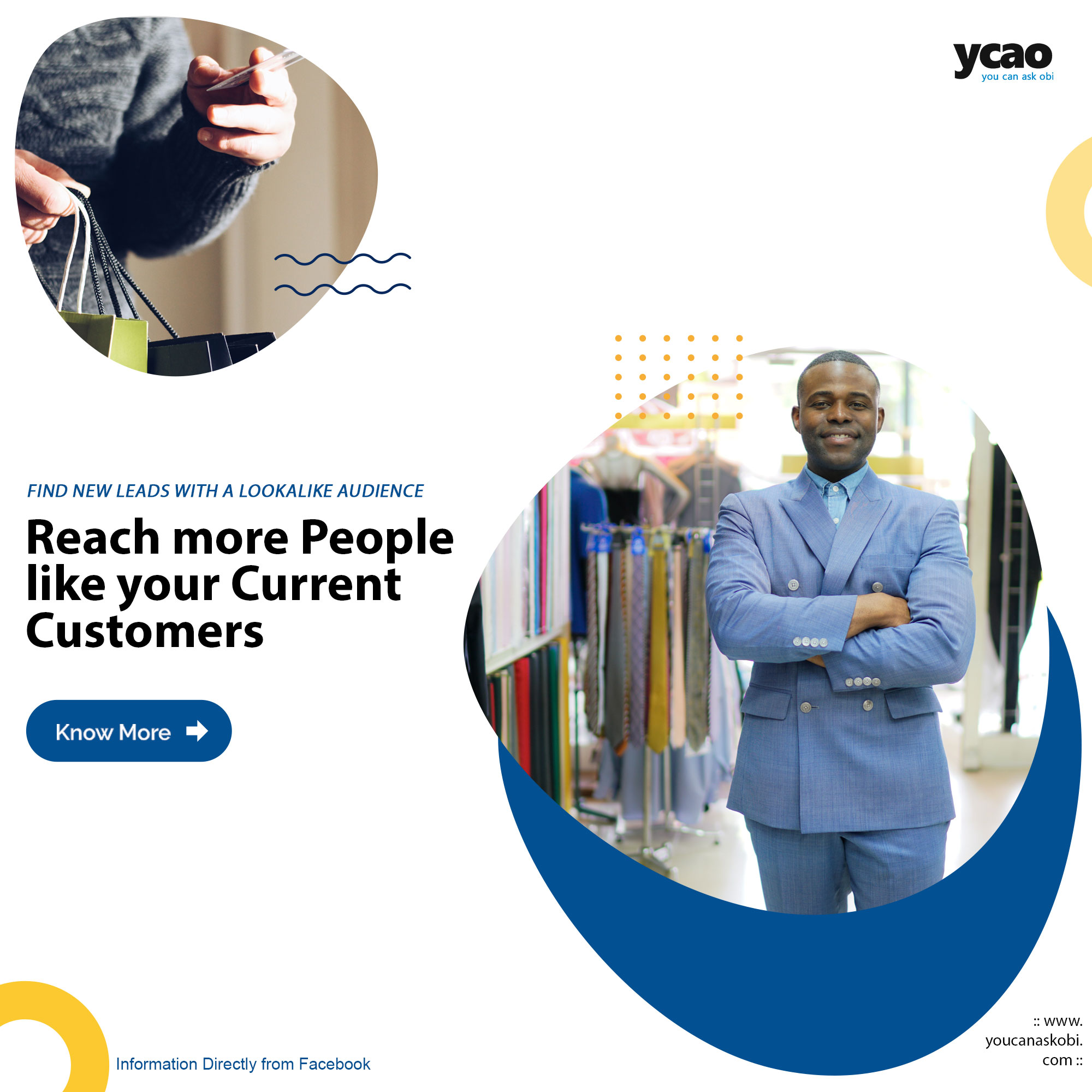
Create a Lookalike Audience to find new people that “look like” or share similar qualities with your existing leads or customers, and are likely to make a purchase or become a lead. Before getting started, you’ll need to create a Custom Audience to use as the source for your Lookalike Audience. You can create a Lookalike Audience from:
- Existing Custom Audiences
- Actions on your website
- Pixel fires
- Engagement on your Page
Setting up Lookalike Audiences
- Open Ads Manager on your computer and go to the Audiences section, or click here.
- Click Create Audience > Custom Audience > Lookalike Audience.
- Select your source Custom Audience, location and audience size.
The smaller the audience size, the more similar your new Lookalike Audience will be to your Custom Audience. A 1% setting is the most precise.
Using your Lookalike Audience
To use your audience in a new campaign or to add it to an existing one, go to the Audiences section. To locate your audience, type in the audience name and select the Lookalike Audience that you’d like to use.
Related Posts


Stay Informed With the Latest & Most Important News
Previous Post
Next Post





Advertisement
Loading Next Post...