
Now Reading: Password Management: How to Use Password Managers and Create Secure, Memorable Passwords
-
01
Password Management: How to Use Password Managers and Create Secure, Memorable Passwords

Password Management: How to Use Password Managers and Create Secure, Memorable Passwords

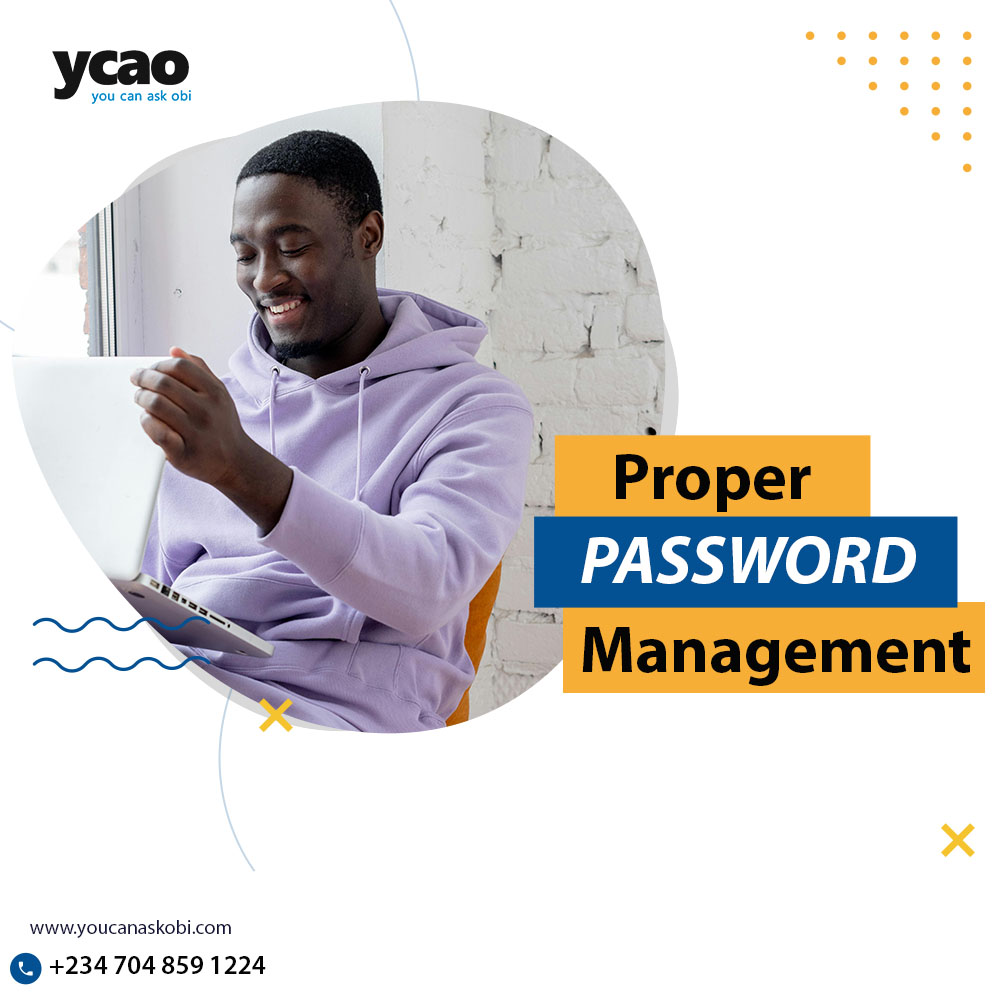
Passwords are your first line of defence when it comes to online security, but keeping track of multiple passwords and creating strong, unique ones for each account can be a challenge. In this post, we’ll guide you through proper password management to make life easier and teach you how to create secure, memorable passwords that will protect your online accounts.
1. Why Strong Passwords Matter
Weak passwords are one of the main causes of online security breaches. Simple passwords like “password123” or “qwerty” are easy for hackers to guess, leaving your accounts vulnerable. Creating strong passwords may seem difficult, but with a few easy strategies, you can significantly improve your security, or being the use of proper password management.
2. What is a Password Manager and How Does it Work?
A password manager is a tool that stores all your passwords securely and helps you generate strong, unique passwords for each of your accounts. Instead of trying to remember dozens of passwords, you only need to remember one master password—the password manager takes care of the rest.
- How it Works: Password managers save your login credentials for websites and apps, and automatically fill in your information when you need it. They also sync across your devices, so whether you’re on your phone or computer, your passwords are always accessible.
3. How to Create Strong, Memorable Passwords
A strong password should be at least 12 characters long and include a mix of uppercase and lowercase letters, numbers, and symbols. But long, complicated passwords can be hard to remember—so what’s the solution?
- Use Passphrases: A passphrase is a combination of random words that are easy to remember but difficult for hackers to guess. For example, instead of using “Password123,” you could use something like “Coffee_Cactus2024!” This is much stronger and still easy to recall.
- Avoid Common Words and Patterns: Don’t use easily guessable information like your name, birthdate, or common words like “password.”
4. Enable Two-Factor Authentication (2FA)
Two-factor authentication adds an extra layer of security by requiring a second form of verification (like a text message or authentication app) when logging into your accounts. Even if someone gets your password, they won’t be able to access your account without the second verification.
5. Keep Your Passwords Updated
It’s a good idea to update your passwords regularly—especially for important accounts like email, banking, and social media. If one of your accounts is compromised, changing your passwords can prevent further damage.
Password management doesn’t have to be complicated. Using a password manager and following these simple tips for creating secure, memorable passwords can protect your online accounts and make managing your digital life easier. So, why wait? Start securing your online presence today.
Do you use a password manager? If not, give it a try!
Saw our post on Cloud Storage Hacks?
Related Posts



Stay Informed With the Latest & Most Important News
Previous Post
Next Post










Advertisement